WHO IT’S FOR / PEOPLE WHO MAKE THINGS
Built for builders.
And their agents.Keep your next idea moving.
You ship the app.
Give bugs a shorter life.
Build with Claude Code, Cursor or Codex? BugTape brings the replay, failed request and stack into one issue your agent can investigate.
No credit card. Guided setup keeps your place.
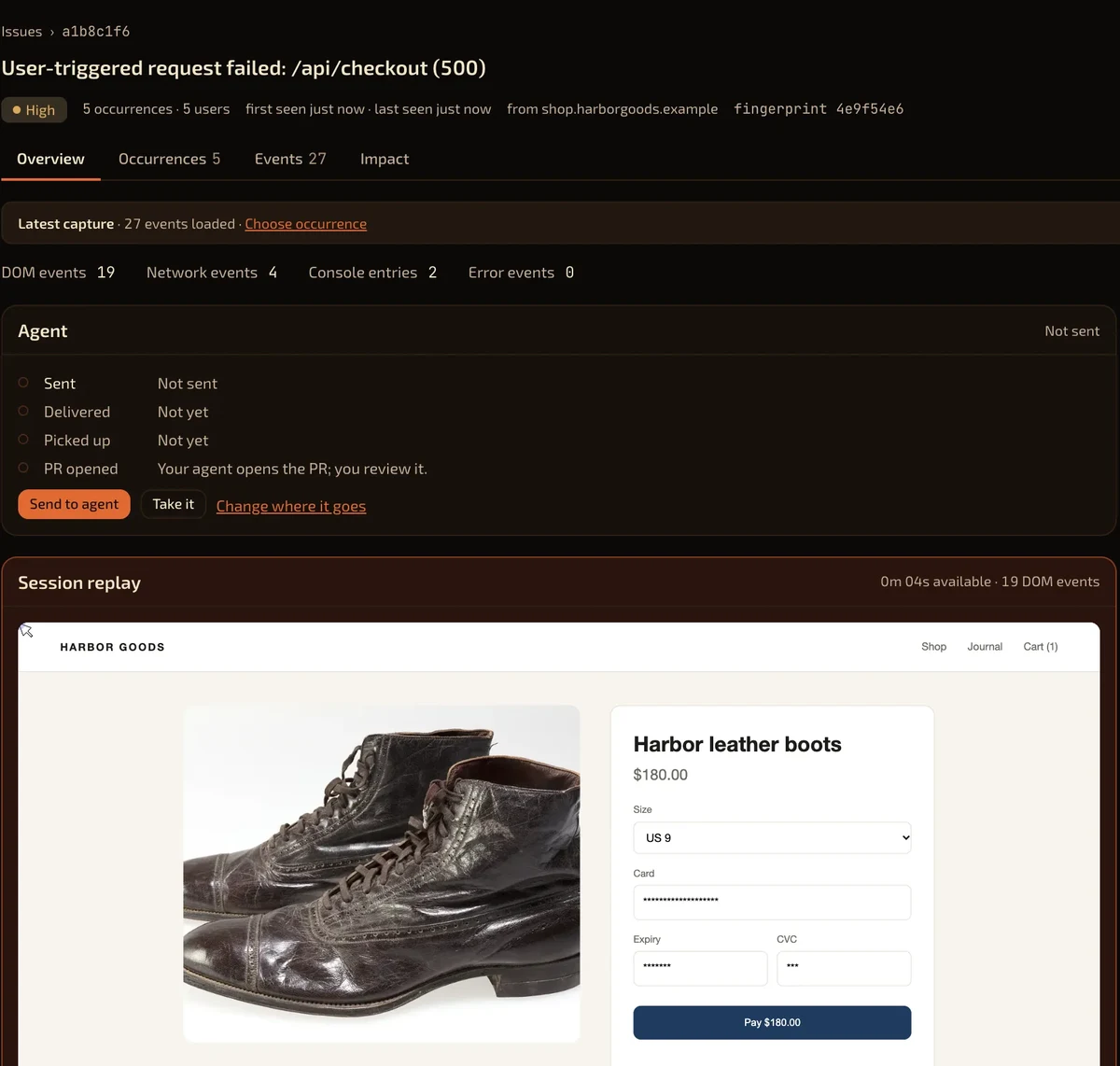
you Why did checkout fail?
↳ get_repro_context
POST /api/checkout → 500
Replay · request · console · stack
↳ get_bug_events
One report. The context to start.
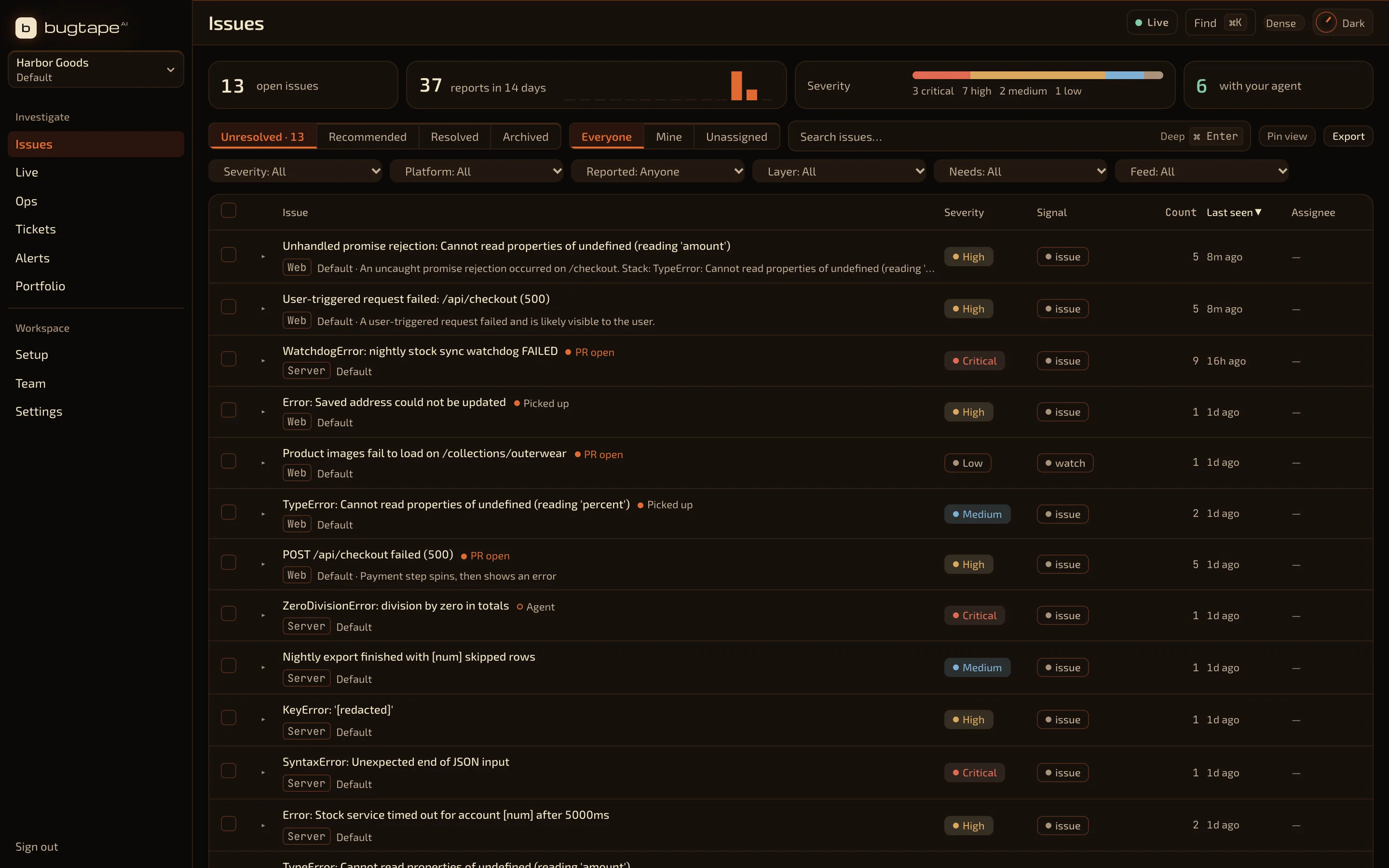
you Find the bug that matters.
↳ list_recommended_critical
Checkout failed
Repeated reports → one issue
↳ get_repro_context
Less noise. A clear place to start.
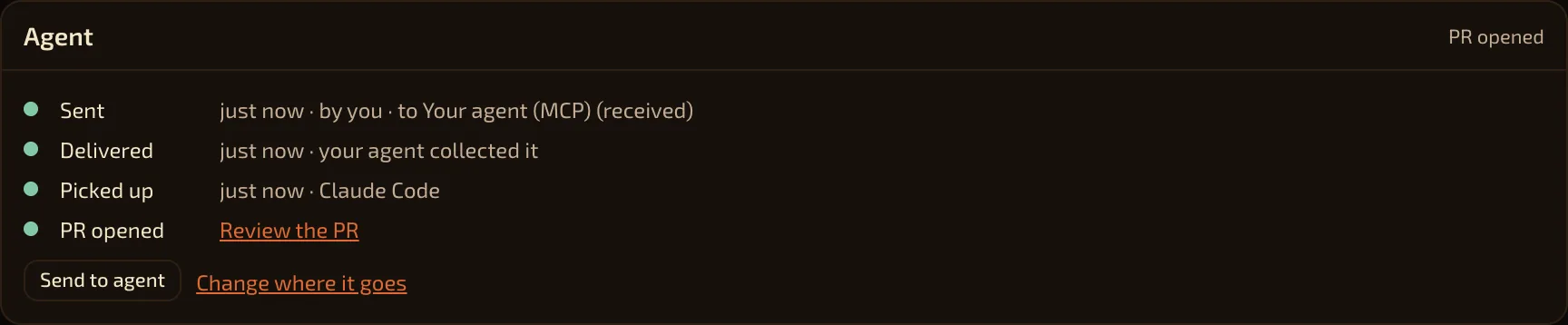
you Share the bug evidence.
↳ get_repro_context
Context ready to investigate
Replay · request · console · stack
↳ ack_bug
Agent proposes. You review.
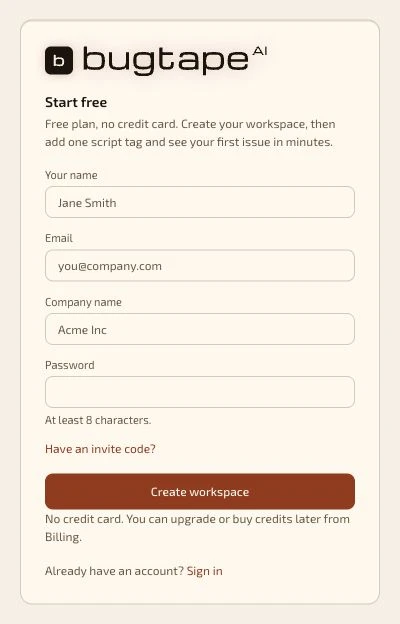
you Let’s get started.
→ Create your workspace
Name · email · company · password
No credit card. No sales call.
→ Continue to guided setup
Your next step is already there.
you Let’s set up capture.
→ Choose privacy. Add SDK.
Send your first app report.
Check delivery in Setup.
→ Connect your agent
Real checks. Clear progress.
Real product captures with synthetic data. Illustrative agent workflow.
FIND YOUR START
Your kind of building.
Your way in.
From your first side project to an app people use every day. Start with one project, add capture and connect the tools you already use.
01 / BUILDING WITH CODING AGENTS
Less copy and paste.
More useful context.
You made the app with an agent. When a user hits a bug, give that agent the evidence to investigate it.
Start with the failure that matters.
Repeated reports stay in one issue. Ask your agent to find urgent bugs and read the captured context over MCP.
Review a proposed fix.
Your agent does the code work and links its pull request. You decide what ships. A linked PR is a proposal, not proof of a fix.
MCP works on every plan. On Free and Prepaid credits, reading captured events costs 2 credits. Other reads are free. Pro and above include event reads.
EXAMPLE / ASK YOUR CONNECTED AGENT
Find the most urgent bug.
Read the captured evidence.
Propose a fix I can review.
Connect with scoped access first. This example does not dispatch an agent.
Agent connection and access guide ↗02 / WEB APPS AND SAAS
One failure.
One place to work.
Turn “it broke” into an issue with the browser activity, failed request, console and stack beside it.
Know who it affected.
Call
identify()after sign-in and pass your release. Reports can show affected users and the version they ran.Keep your workflow.
Assign an owner. Send issues to GitHub, chat, email or a webhook. Watch the next release for the same failure.
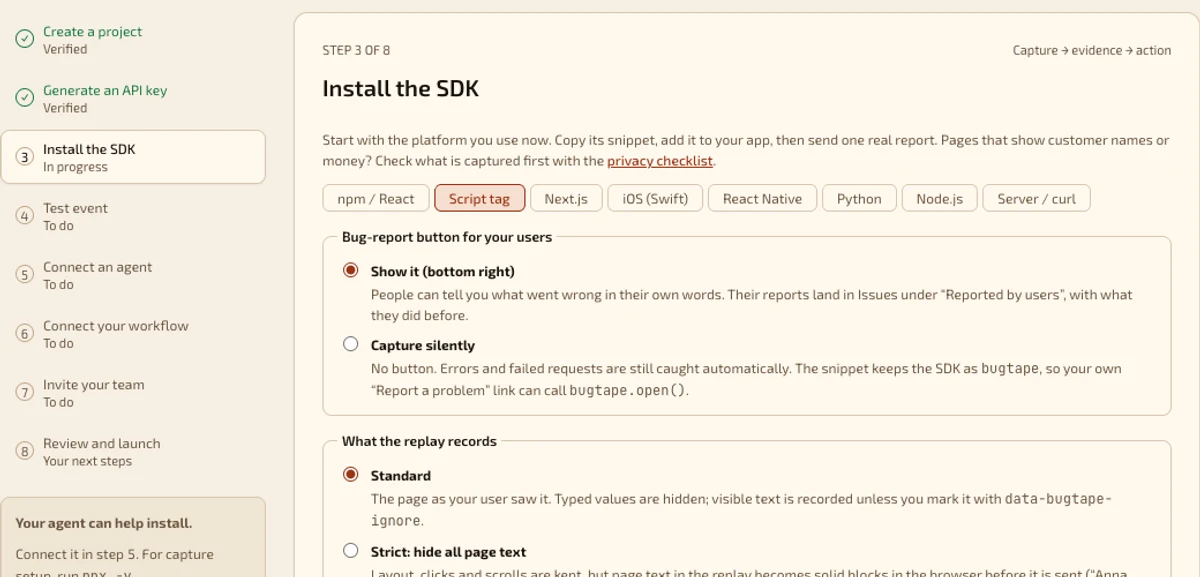
Start with the browser script or the browser snippet from Setup. Node.js and Python can send server errors to the same inbox.
03 / ONLINE STORES
The cart broke.
Keep the evidence.
A shopper may leave without reporting the problem. Capture browser failures around product pages and the cart, then inspect what happened.
See the failed step.
Read the request beside the recorded page activity. Group repeated failures into one issue.
Hear what an error misses.
The optional report button lets people describe a wrong price or a confusing step in their own words.
BugTape covers pages where you install it. This install does not capture payment pages hosted on another provider’s domain.
04 / SHOPIFY STOREFRONTS
One theme snippet.
A clearer bug report.
Add the browser script to your theme to capture failures on home, collection, product and cart pages. Give your developer or agent the captured evidence when a theme or app change breaks a step.
Install in your theme.
Open Online Store → Themes → Edit code. Add the snippet from Setup before
</head>intheme.liquid.Check the storefront boundary.
There is no Shopify app to install. Shopify’s hosted checkout pages do not load theme scripts, so this install does not capture them.
05 / IOS AND REACT NATIVE
Mobile reports.
The same inbox.
Send handled errors, user reports and breadcrumbs from your iOS app with BugTapeCore. Keep mobile and browser issues in one place.
Bring the context your app has.
The Swift package includes an offline queue. React Native apps can use the fetch-based drop-in.
Know what is supported.
BugTapeCore is alpha. It does not capture fatal crashes or screen replay. Download it in Setup and add it as a local Swift package.
06 / TEAMS WITH MORE TO BUILD
Clear ownership.
Careful capture.
Start with one app and one project. Choose what leaves the browser, who can access the workspace and where issues go.
Review privacy on your screens.
Typed input values are hidden by default. Mark private page areas, use stricter text masking or choose error-only capture. Use the privacy checklist before release.
Connect your team.
Use workspace roles and project capture keys. Connect the HTTP API, webhooks and MCP to the tools you already run.
LESS TIME EXPLAINING BUGS.
More time
making things.
Free to start. Built for you and your agents.